Skills: The New Building Block for Business AI
A skill worth learning once
A couple of weeks ago I posted on LinkedIn that I think this is going to be a large part of my role over the next 6 to 12 months: helping customers work out where to use, and how to refine and maintain, custom skills. Whether that's a custom skill in a declarative agent, a Dataverse business skill, a SharePoint skill, or an organisation-wide Excel skill.
I've started introducing the idea in Copilot training sessions with customers already, and I want to explain it properly here, in plain English, for anyone who's heard the word "skill" attached to their AI tools and isn't quite sure what it means or why it matters.
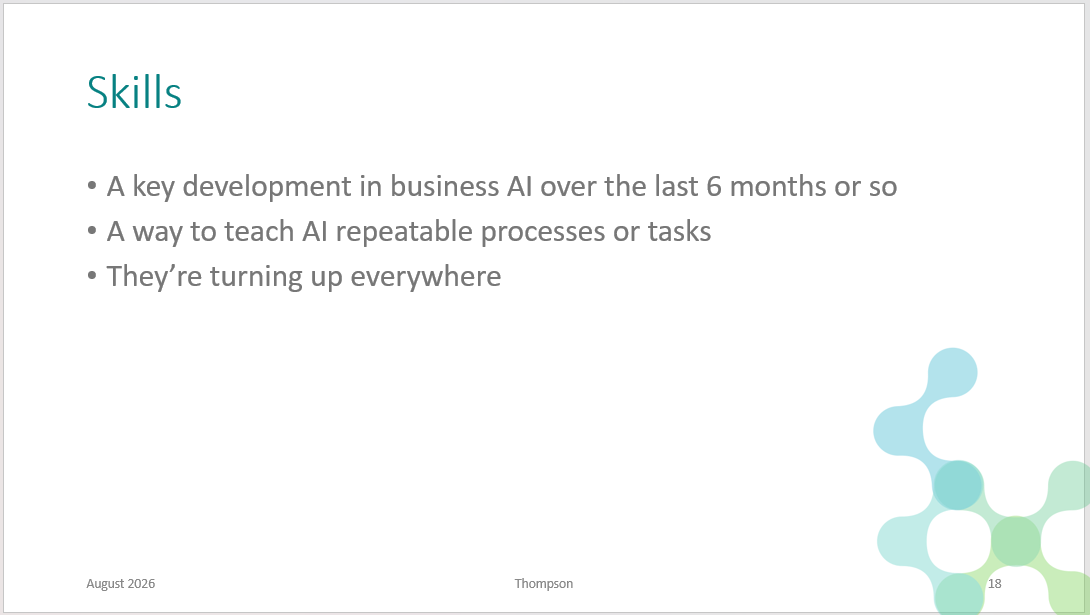
Screenshot from a training session - can you tell I create my own slides?
What a "skill" actually is
Strip away the jargon and a skill is a written procedure. It's a small folder that holds plain-language instructions for how to do one specific, repeatable task well, plus, often, any templates, checklists or reference material the task needs.
Think of it as the difference between explaining how you want a particular piece of analysis done every single time you ask for it, versus writing that process down once, handing it to a new team member, and having them follow it correctly from then on without being told again. A skill is that written-down version, but for AI. You (or your organisation) teach the AI tool a process once. From then on, whenever a relevant request comes up, the AI tool recognises the situation and quietly reaches for the right skill in the background, rather than you re-explaining your preferences or your usual approach in every conversation.
Technically, each one is built around a single file, conventionally named SKILL.md, that describes what the skill does and when to use it. That detail matters less to a business reader than what it enables: a repeatable process that used to live in one person's head, or in a document nobody opens, can now be captured and consistently applied by the AI tool itself.
Where the idea came from
This is one of those pieces of technology history that's interesting to know, because it says something about how fast this field is moving. The concept of a "skill" in this exact form, a folder with a SKILL.md file that an AI loads only when it's relevant, was introduced by Anthropic (the company behind the Claude AI models) in October 2025. A couple of months later, in December 2025, Anthropic went a step further and published the format as an open standard, meaning any AI vendor was free to build their own version of it, compatible with the same basic file structure.
That's exactly what happened. Microsoft has since adopted the same open standard across GitHub Copilot, Visual Studio, and Microsoft 365 Copilot in Excel, PowerPoint and SharePoint. It's also turned up in Copilot Studio, OpenAI's Codex, and a growing list of other AI coding and business tools. So while I'd stop short of calling it an official industry standard, in practice it's become something close to a de facto one: several major, competing vendors converging on the same underlying format, even while they each brand and package it differently for their own products.
It's a small case study in how this generation of AI tools is developing. A useful idea from one lab doesn't stay contained for long; the rest of the industry tends to notice, and adapt it, quickly.
How it's landing in Microsoft 365
This is where it stops being an abstract concept and starts being something you'll bump into at work, often without anyone calling it a "skill" out loud.
I've already started introducing this in Copilot training with customers, particularly around custom Excel skills. One example I built, and use myself, is a skill for analysing time entry data. Most timesheet exports already break time down by project and task, which only gets you so far. What people actually type into the narration field, the free-text description of what they did, often holds the more useful signal about where time is genuinely going. I built a skill that teaches Copilot in Excel how to read and categorise that narration text consistently, so it can decompose the time data further and surface patterns a project-and-task breakdown alone would miss. Run it once as a one-off prompt and you get one analysis; save it as a skill and every team member gets the same consistent breakdown, on demand, without re-explaining the categorisation logic each time.
Right now, an Excel skill like that tends to sit with the individual user who built it. My hope is that organisation-wide custom skills for Excel land soon too, on the model Microsoft has already rolled out in PowerPoint: an admin can package a skill and publish it across the whole tenant, so every user in the business gets the same, approved way of working rather than everyone quietly building their own version.
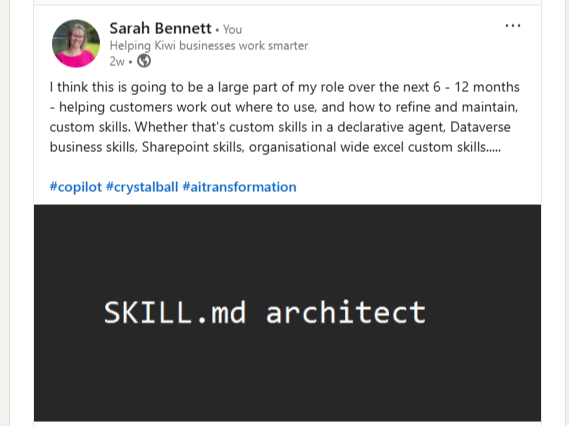
Screenshot of a LinkedIn Post
SharePoint is the third place this shows up at the moment. Copilot in SharePoint now lets a site owner build skills that live alongside the site's own content, so a team's specific processes and terminology travel with the site rather than needing to be re-taught in every chat.
Three different Microsoft 365 apps, three slightly different flavours of the same underlying idea: capture a process once, and let it keep being followed correctly, at scale, without anyone standing over the AI tool's shoulder each time.
Why this matters for your business, not just your IT team
The value isn't really about the technology; it's about what it lets a business stop losing. Every organisation has processes that exist mainly as tacit knowledge: the particular way a report gets formatted, the sequence a certain analysis follows, the checks someone always applies before sending something out. Skills give you a way to write that down once, in a form the AI tool can actually act on, so it doesn't quietly disappear when the person who knows it moves on or gets busy.
There's a governance question sitting right underneath that value, though, and it's worth raising early rather than after the fact. Once anyone can write a skill and hand it to Copilot or Claude, an organisation needs some answers: who's allowed to publish one tenant-wide, who checks it before it goes live, and how you'd know if a skill quietly started giving bad advice. This is squarely the kind of guardrail question I help smaller businesses work through as part of AI governance, often well before it becomes urgent.
So the practical starting point isn't "go build some skills." It's: pick one process your team already does the same way, every time, and is currently re-explaining to Copilot or Claude on repeat. That's your first candidate.
The takeaway
Skills are, at heart, a fairly unglamorous idea: write your process down once, properly, and let the AI tool keep following it. What's interesting is watching that idea move, in the space of about a year, from a single AI lab's feature into something Microsoft, OpenAI and a long list of other vendors have all built their own version of. It's a reasonable bet that this is how a good chunk of "customising AI for your business" ends up working from here.
We use the AI Contribution Scale defined by Blair Enns to disclose the use of AI in our written content. This article is rated as: AI-4: AI Drafted. The content was drafted by Claude from our own content and ideas, we then refined the output.